What makes me, me? Adobe Photoshop
- Mackenzie

- Sep 22, 2018
- 1 min read
Updated: Sep 24, 2018
This was my second time using Adobe Photoshop, I knew where most of the tools where but I still had trouble using some of them and there were some tools that I wanted to use, but had never used before.
Image explanation: I think of my self as a maker which is why I added the Maker Faire poster. I live in New York and I love to read which is why I added the NYC poster and the reading poster. When I was younger I loved bugs and dinosaurs, especially the triceratops, and although I do still like them, it was a larger part of my childhood which is why the triceratops poster is torn. I believe in positivity and love music which explains some of the graffiti, and I love plants which is why I included the vines and flowers blowing in the wind. The bubbles are there because they reminded me of the ocean and of space which are both things that interest me. Lastly, the little girl is there because I wanted to add myself into the picture, now it looks like I am gluing the poster to the wall. (Process of making the image is in a caption below.)


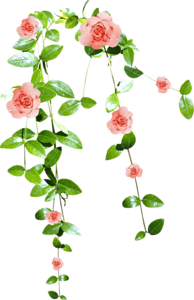



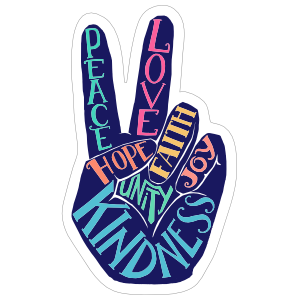


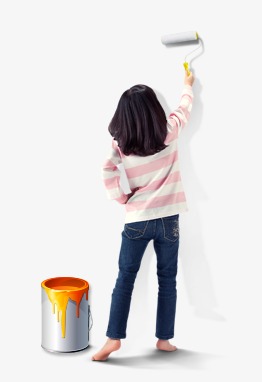


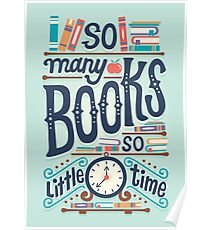


These are the pictures that I used for my photoshop project.


Comments